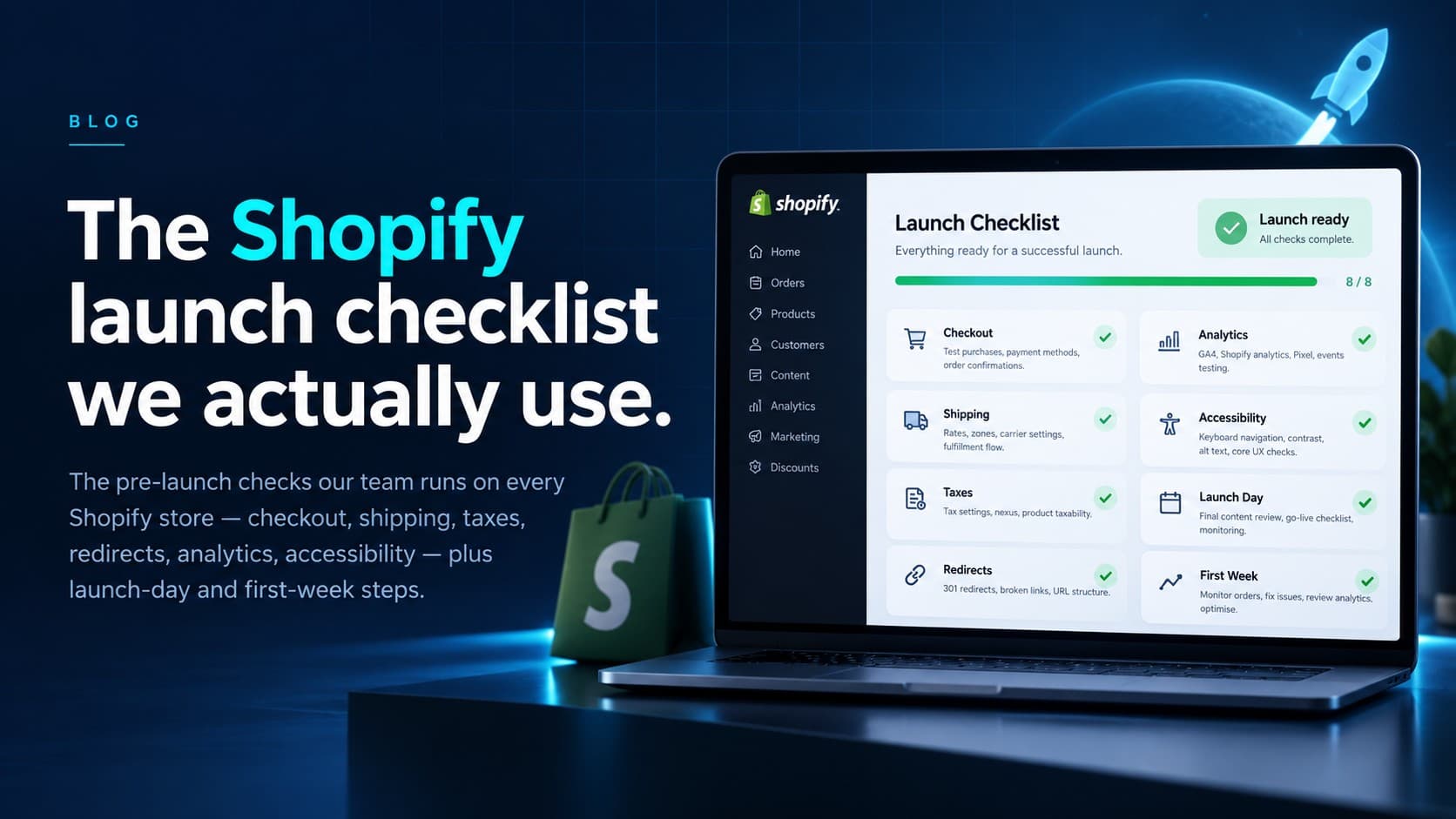
Every store we launch goes through the same checklist, and it exists because each line is something that has actually gone wrong for someone — a tax region nobody registered, a redirect file nobody uploaded, a notification email still carrying the theme demo logo. This is the 2026 version of a checklist we first published years ago, rewritten because checkout, taxes, and analytics have all changed underneath it. It's written for a store replacing an existing site; skip the migration lines if you're starting fresh.
Domain, channels, and settings
- Primary domain connected and SSL issued; the .myshopify.com domain redirects to it.
- Legal pages written and linked: refund, privacy, terms, shipping. Shopify's generators are a starting point — read and edit them, they're your contract.
- Store details correct: business address (it appears on invoices and some tax documents), sender email, timezone, currency.
- Markets configured if you sell beyond one country — currencies, duties expectations, and translated content where you promise it.
- Decide what AI shopping assistants can see. Since the Summer '26 Editions, the Universal Commerce Protocol is on by default, so assistants can read your catalog and build carts — clean titles, variant attributes, and availability are what they work from, and channel publication is what includes or excludes a product.
- Staff accounts with sensible permissions; the agency or freelancer collaborator accounts you'll actually want post-launch.
Checkout and payments
- Place a real test order end to end — with a test gateway before launch and a real card after — and refund it. Watch what the confirmation email actually looks like.
- Payment providers live: Shopify Payments settings complete (statement descriptor, payout account verified), plus PayPal or others if you offer them.
- Shop Pay, Apple Pay, and Google Pay enabled where eligible — accelerated checkout is consistently the highest-converting path.
- Any checkout customizations built on Checkout Extensibility (checkout UI extensions and Functions). Anything inherited from checkout.liquid or Scripts is dead code in 2026 — if a legacy build "has discounts configured" but nobody can say where, audit before launch, not after.
- Discount codes tested, including how they stack with automatic discounts.
Shipping and taxes
- Shipping zones and rates cover everywhere you actually sell — and exclude everywhere you don't.
- Product weights and dimensions filled in if rates are carrier-calculated; a default package that matches reality.
- Local delivery and pickup configured if you offer them.
- Tax registrations entered for every region where you're registered, and tax collection verified on a test order for your biggest regions. If you're near thresholds in new provinces or states, decide the registration question before launch, not after the first audit letter.
- Shipping into the EU from outside it? Since July 1, 2026, the EU's flat €3-per-tariff-line customs duty on orders up to €150 is collected automatically at checkout when you use Managed Markets or import tax and duty calculation — place a test order to an EU address and confirm it appears.
Migration: redirects and data
- URL redirects mapped from every old URL that has traffic or backlinks — product pages, collections, blog posts. This is the single most skipped item and the most expensive to skip.
- Customer and order history imported if you're bringing it, and a spot-check that imported customers can actually log in or reset passwords.
- Gift cards and store credit carried over or consciously sunset, with customers told either way.
Analytics and marketing plumbing
- GA4 connected via the Google & YouTube channel, purchase events verified with a test order.
- Meta, TikTok, or other pixels installed through their channel apps or Customer Events — not pasted into theme.liquid — and consent handling configured for the regions that require it.
- Google Search Console verified with the sitemap submitted; Merchant Center feed connected and free of disapprovals.
- Email flows switched from test to live: welcome, abandoned checkout, order confirmations from your own domain — with your sending domain authenticated (SPF/DKIM), which mailbox providers now effectively require.
Content, UX, and accessibility
- Every navigation link goes somewhere real; the 404 page is branded and points back to shopping.
- Search works and returns sensible results for your top ten products.
- A full pass on a real phone — not a resized browser window — including checkout.
- Image alt text on product and content images; visible focus states; readable contrast. Accessibility requirements are tightening in several jurisdictions, and retrofits cost more than doing it now.
- Placeholder content hunt: theme demo text, sample products, "Powered by" footer strings, unconfigured policy links.
Launch day
- Remove the storefront password.
- Place one real order with a real card; refund it after confirming payout, notification, and fulfillment flow all behaved.
- Confirm robots.txt isn't blocking anything it shouldn't and the sitemap resolves on the live domain.
- Watch the first hours of orders and traffic — most launch-day failures show up in the first ten orders, not the first thousand sessions.
The first week
- Search Console: coverage and redirect behavior — old URLs should be reporting as redirects, not 404s.
- Merchant Center: feed diagnostics after the domain change.
- Analytics sanity check: sessions, conversion rate, and revenue against expectations — broken tracking usually announces itself as a too-good or too-bad number.
- Speed and Core Web Vitals on the live site with real traffic.
No checklist replaces a dry run. The stores that launch calmly are the ones that placed real orders, on real devices, with real payment methods, before the announcement went out.
We run this list — expanded to a few hundred lines with client-specific items — on every launch, and we're happy to share the full working version; it's one of the guides we send on request. And if you'd rather have someone run it for you, launches are exactly the kind of fixed-scope work we quote after a free consultation.