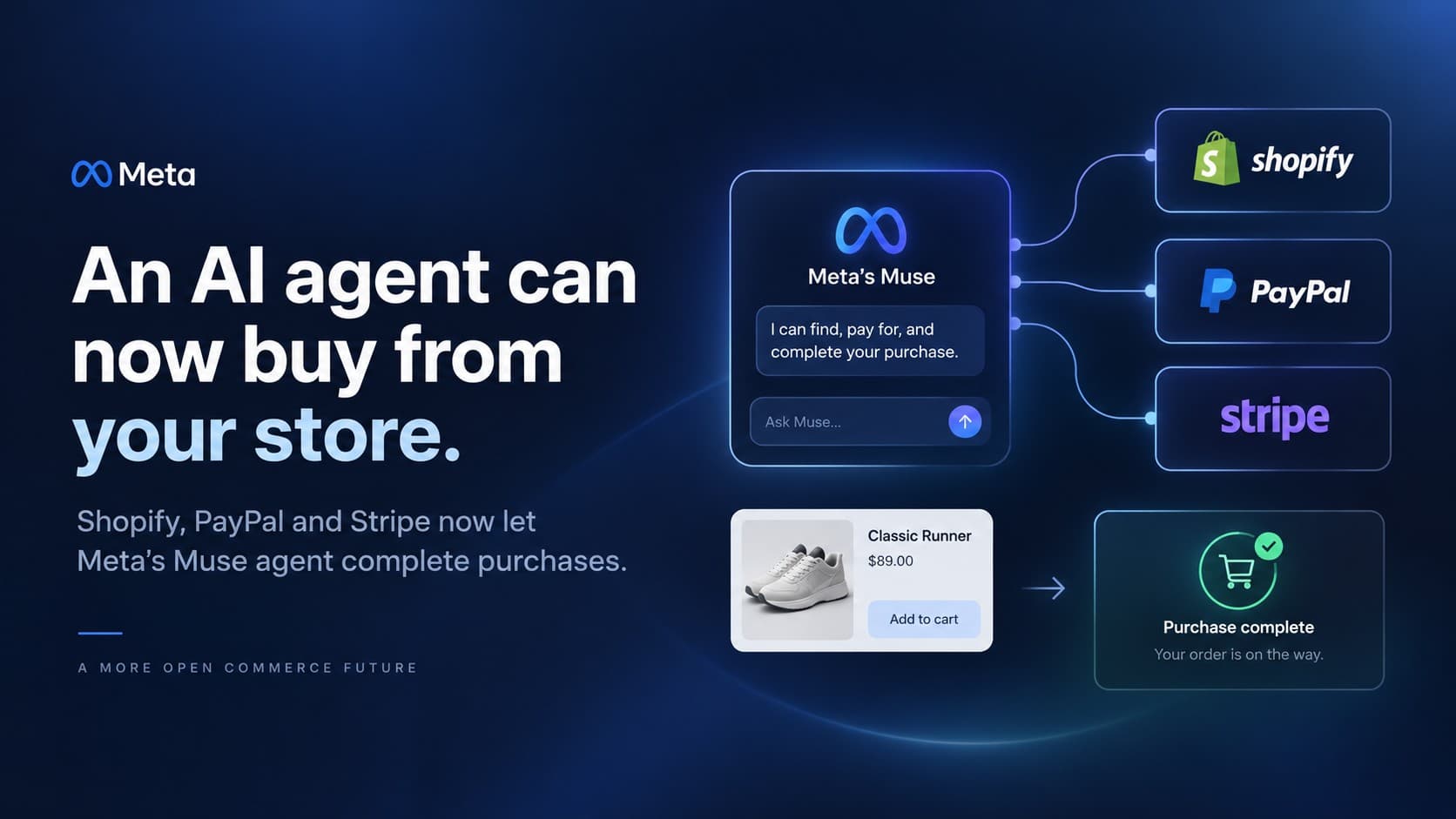
Update, September 24: Shop Pay is now a wallet inside Muse, Shopify has shown the approval screen a buyer sees before paying, per-agent controls are confirmed, Meta has said it will eventually take a fee on transactions, and Muse is now available in Canada. The checkout, measurement and open-questions sections below are updated, and a new section covers what the approval screen means for your store.
Meta launched Muse, a personal AI agent that takes actions rather than just answering, on September 8. Two weeks later it had climbed past ChatGPT in the App Store, and on Monday Shopify and Meta announced that Muse can browse Shopify stores and complete purchases through Shop Pay. PayPal followed with checkout across its whole merchant network, joining Stripe, which was already in. Amazon, for its part, has blocked Muse from its site. Shopify's share price rose about seven percent on the day.
Every newsletter you subscribe to has now told you this changes everything. Maybe. Muse is two weeks old and nobody outside Meta knows what it sells. What we can tell you is what is already true on your store today, what you actually control, and which decisions are worth an hour this week. We build on Shopify and WooCommerce, so this covers both.
First, what was already switched on before Monday
If you sell on Shopify, the Muse announcement did not flip a new switch. It added a new buyer to one that was already on. Shopify's agentic storefronts are, in its own words, active by default for eligible stores, and the channels it lists are ChatGPT, Google AI Mode and Gemini, Microsoft Copilot, and Meta. Your catalog has been readable by AI agents by default since June, and since August every Shopify storefront exposes tools an agent-capable browser can use to search and build a cart. We wrote about the catalog side of that in our earlier note on treating your Shopify catalog as an AI channel, and everything there still applies.
Three things Shopify has stated that matter for the decisions below. Orders that come through an agent show up in your admin with channel or referrer attribution, so you can see where they came from. You remain the merchant of record and own the customer relationship and data. And as of Shopify's March update, agentic storefronts carry no transaction fees beyond your standard processing rates. Shopify now states the same for direct checkout on Meta: no fee beyond your usual payment processing. Separately, Meta has said it expects, over time, to take a small fee on transactions made through Muse, without saying how much, who pays it or when it starts.
Decision 1: stay in, step out, or stay in selectively
The controls live under Sales channels, then Agentic, in your Shopify admin. Shopify says you can manage which AI channels sell your products there. It is set per agent. Click Meta and you get two separate switches: Shopify Catalog access, which decides whether Meta can find your products, and direct checkout, which decides whether a buyer can pay without leaving Meta. Turn direct checkout off and your products can still be found, but the buyer is sent to your store to pay. One catch from Shopify's own instructions: if Allow Shopify to manage for me is switched on, turn it off first, or the Meta settings are not yours to change.
Here is the honest framing for the decision. Stepping out costs you nothing measurable today, because nobody can yet show you Muse order volume. Staying in also costs you nothing today, for the same reason. So this is not a revenue decision yet. It is a readiness decision: would you be comfortable with an agent presenting your product, your price, your shipping terms and your returns policy to a buyer, with no page of yours in between?
- Reasons to step out or hold back: regulated categories where an agent could present your product without the disclosures your own page carries; products that genuinely need a fitting, a consultation or a configuration step; brands under pricing agreements where an agent comparing you against a reseller line by line hurts; and B2B lines where the real price is negotiated and the public one is a placeholder.
- Reasons to stay in: gift-heavy and help-me-choose categories, where an agent that can actually finish the purchase is the point; replenishment products where the buyer already knows what they want; and any store whose competitors are staying in, because the agent will recommend somebody.
Decision 2: know which checkout path you are actually on
This is where the two announcements diverge and where most of the confusion this week comes from.
- On Shopify, the Muse path runs on Shop Pay. Shopify's CEO described it as agentic checkout through Shop Pay across all Shopify stores, and since September 24 Shop Pay is a wallet inside Muse itself; before that, Muse could only pay with Stripe's Link. Direct checkout on Meta is on by default for eligible stores, and only shoppers in the United States, Canada and Mexico see it. If your store does not offer Shop Pay, do not assume you are included; check your eligibility in the admin. If you do offer it, you have nothing to install.
- On PayPal, the path covers every PayPal merchant worldwide, regardless of platform. For a WooCommerce store this is the route that exists. PayPal has also said it supports WebMCP, the emerging standard for letting assistants find and use a site's checkout, which is the same mechanism Shopify switched on for its own storefronts in August.
- On WooCommerce without PayPal, there is no native switch. Being buyable through an agent is a project: structured product data, a parsable policy set, and a checkout an assistant can drive. We do that work, and we will tell you plainly whether your category justifies it yet.
- On Amazon, nothing. Amazon has blocked Muse. If a meaningful share of your revenue is marketplace, this announcement does not reach it.
Decision 3: what an agent sees when it reads you
Muse asks the user for approval before it buys. Think about what that moment looks like. The agent shows a product, a price, a delivery estimate and, if the buyer asks, your returns terms, all pulled from your data. If your returns policy is a scanned PDF, your shipping rules live in a plugin nobody documented, or your variant names say Option 2, the agent either guesses or moves on. Neither is a sale you want.
The checklist is the same one we published for the catalog channel, and it has not changed: product titles that say what the thing is, structured facts in metafields rather than buried in prose, variants that mean what they say, policies written so they can be quoted, accurate live inventory and pricing, and channel publication as the actual gate on what is visible. Shopify's own guidance this week lands in the same place: data completeness, proper categorization, and real-time price and stock signals. If you did that work in August, you are ready for Muse. If you did not, that is the hour to spend, not a rebuild.
Update: what the buyer actually sees at checkout
Shopify's president, Harley Finkelstein, has now shown the full flow. The buyer asks Muse for a product, Muse returns a shortlist from several stores, and the buyer picks one and asks to pay with Shop Pay. Muse connects their Shop Pay wallet through a passkey sign-in on Shop's own page, so there is no new account and no card typed into a chat. Before anything is charged, Muse shows a checkout summary with the item and variant, the delivery date, the buyer's email, the payment method and the total, and two buttons: Deny and Allow. Shopify says the buyer approves every purchase and a one-time payment credential stands in for their card, so the agent never sees the card details. The order then runs through your Shopify checkout like any other, with the Universal Commerce Protocol connecting the agent to your store, so there is no separate checkout to build for each new agent. Muse is the first personal agent with Shop Pay built in, and Shopify says more are coming, which is one more reason the catalog work in Decision 3 pays off beyond Meta.
Two details on that screen come from you, and they are the practical takeaway.
- The delivery date comes from your shipping settings. It is shown at the exact moment the buyer decides. If your delivery estimates are optimistic, missing, or wrong for some regions, this is where it costs you. Check them before peak season.
- Your order confirmation is the first thing the buyer sees from you. The screen tells the buyer their order information will be shared with your store, and that your store will email the confirmation. For a buyer who never visited your site, that email is your storefront. Make sure it carries your brand, a clear order summary, how to reach you and your returns terms, and read it once the way a stranger would.
Muse itself is now available in Canada, and direct checkout on Meta already covers Canadian shoppers. Whether the Shop Pay wallet inside Muse works for them yet has not been confirmed. If you sell in Canada, the same two checks apply for Canadian addresses and prices, and if you sell into Quebec, read your confirmation email in French too. The demo uses sample stores and products, so treat it as how the flow is designed to work rather than a promise about every screen.
Decision 4: how you will know whether any of this is real
Decide now how you will measure it, because in ninety days someone will ask. On Shopify, filter orders by channel attribution and watch three numbers for agent-originated orders separately from the rest: order count, average order value, and return rate. The last one matters most, because a purchase completed by an agent on a thin product description is the most likely to come back. One correction to how we first described this: when a buyer checks out directly on Meta, the purchase happens on Meta's side, so those orders never appear in your browser analytics. Your Shopify admin, filtered by the Meta channel, is the only complete count. Referrer segments in your analytics still show the agent traffic that clicks through to your site and does not buy, which remains a useful signal about your data. Put a review on the calendar for late December, after the peak, and decide then whether this channel deserves investment or just tidiness.
What we would tell you not to do this week
- Do not rebuild anything. Nothing announced this week requires a new theme, a new checkout or a new platform.
- Do not buy an AI optimization package. The work that matters is catalog hygiene you can do in your own admin, and we would rather show you the list than sell it to you.
- Do not re-price for agents. Nobody knows yet how Muse ranks offers, and guessing costs you margin on the customers you already have.
- Do not turn off Shop Pay or PayPal in a fit of caution. They are the rails this runs on, and they were carrying your human customers just fine on Sunday.
- Do not opt out of everything because the headline made you nervous. Look at the controls, decide per category if you can, and write down why.
- Do not believe any volume number you read in the next month, ours included. There are none yet.
What nobody has said yet
Updated September 24. Answered since we first published: you can control Meta separately from other agents (see Decision 1); your store receives the order information and sends the confirmation itself; and Shopify charges nothing extra on the Meta path beyond normal processing. Still unannounced: what Meta's own transaction fee will be, who pays it and when it starts; whether the Shop Pay wallet in Muse works for Canadian shoppers yet or is United States only for now; and how a dispute works when the buyer never saw your page. We will keep updating this post as those land, and say so at the top.
The most useful thing a merchant can do this week is not react. It is to open the Agentic channel settings, read your own returns policy the way a machine would, and decide on purpose what you are comfortable with an agent selling.
If you want a second pair of eyes on the catalog side, our earlier guide to preparing a Shopify catalog for AI agents is the checklist we use. For the WooCommerce route, start with our WordPress and WooCommerce practice; for visibility inside the assistants themselves, AI search visibility is the service. Or book a free consultation and we will look at your store with you, whichever platform it is on.