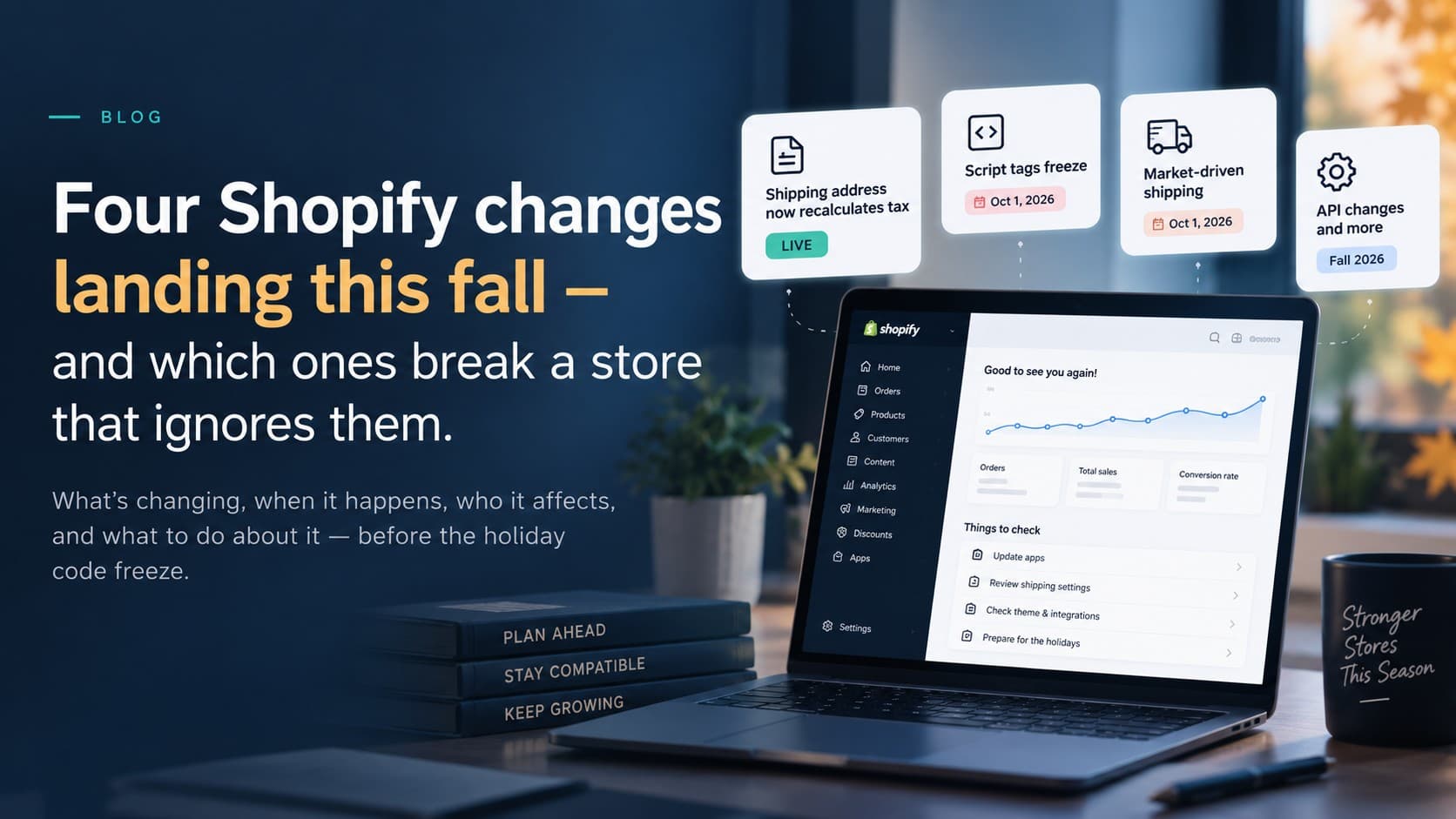
Shopify's developer changelog is written for developers, which is fine until one of those entries quietly changes how your store behaves in the busiest quarter of the year. Four of this fall's changes deserve a store owner's attention, not just a developer's. Here's each one in plain language: what changes, when, who it affects, and what to do about it this month — before the holiday code freeze.
1. Already live: changing a shipping address now recalculates tax
Since September 9, when an app updates the shipping address on an order that hasn't shipped yet, Shopify recalculates the order's tax against the new destination. Before, the address changed but the original tax lines stayed put, so the totals no longer matched where the parcel was going. From API version 2026-10 this is the standard behaviour of the order update mutation. Shopify only recalculates when it's safe to do so; the address change itself always goes through.
Who it affects: anyone whose ERP, order-management or customer-service tool edits addresses after the order is placed. The order total can now change after your accounting system has already recorded it. If your integration pushes orders into Business Central, NetSuite or QuickBooks, make sure it picks up amended totals rather than assuming the first number was final.
2. October 1: script tags freeze. March 1, 2027: they stop.
A script tag is the old way an app injected JavaScript into your storefront without touching your theme — review widgets, chat bubbles, affiliate trackers, popups, older analytics and a lot of things installed in 2019 and forgotten. Shopify has now set the end date: after October 1, 2026, apps can no longer create or update script tags, and on March 1, 2027, Shopify stops adding them to storefronts altogether. It applies to every API version, so an app can't escape it by staying on an old one.
The replacements are theme app extensions (an app embed you switch on in the theme editor) for anything visible, and web pixels for anything that only collects analytics or conversion data. Good vendors migrated a while ago. The risk is the app nobody remembers installing, which will simply stop working in March — during your post-holiday returns period.
What to do: get the list of apps that still use script tags (the Shopify admin flags unsupported features on the app's page, and we can pull the list through the API), ask each vendor whether their replacement is shipped, and remove the ones that don't answer. Do it before the holidays, because a storefront that changes on March 1 is a storefront you want to have tested in November.
3. October 1: shipping moves to a per-market model
Market-driven shipping means shipping rates are configured per Market (Canada, US, EU and so on) instead of in the old shipping profiles. Shopify starts rolling it out to merchants on October 1, 2026, and every store will be on it by July 1, 2027. For most merchants the admin experience improves. The trap is on the integration side: once a store is on the new model, the old delivery-profile API returns a stale snapshot, and an app that writes shipping settings through it can succeed without changing anything live.
Who it affects: stores using an app or an integration that manages shipping rates for them — an ERP pushing rate tables, a rate-shopping tool, a 3PL connector. App-owned shipping profiles are not affected; merchant-owned ones are. Ask the vendor one question: “Have you moved to the market-driven shipping API?” If they hesitate, verify your rates in each market yourself after the switch, before Black Friday.
4. The quiet API changes that break custom work
- Inventory states changed on August 5. Stock held by draft orders and by transfers moved from Shopify's “reserved” state to “committed”. Nothing broke, but any custom report or integration reading “reserved” saw its number drop. If a dashboard suddenly looks better than it should, this is why.
- Checkout extensions lost a shortcut. The hook that let a checkout extension block progress (the buyer journey intercept) is deprecated as of the 2026-07 API. Rules like “no PO boxes” or “maximum five per customer” should now live in a validation Function, which also means they apply in express wallets and to AI-agent checkouts — surfaces the old hook never covered.
- Customer Account API removals in 2026-10. The checkout-related fields on the customer object go away. Custom account pages that show “resume your checkout” need updating.
- Expiring access tokens for apps. Shopify is moving apps to short-lived tokens with automatic refresh. Off-the-shelf apps handle it; custom apps built for you need a small update, and integrations that stored a token years ago need attention.
What to do this month
- List every app on the store and mark which ones inject code into the storefront, manage shipping, or edit orders after checkout.
- Ask each of those vendors three questions: are you off script tags, are you on market-driven shipping, and which API version are you on.
- Have your integration owner confirm how amended order totals and the new inventory states flow into accounting.
- Test the storefront on a duplicate theme with any app you plan to remove switched off, and keep the recording.
- Set the holiday code freeze date and put these items before it, not after.
If you'd like us to run this audit, it's part of monthly website management and of any Shopify Plus engagement. For the ERP side, see integrations. Related reading: the Scripts-to-Functions checklist and our launch checklist. Or book a free consultation.