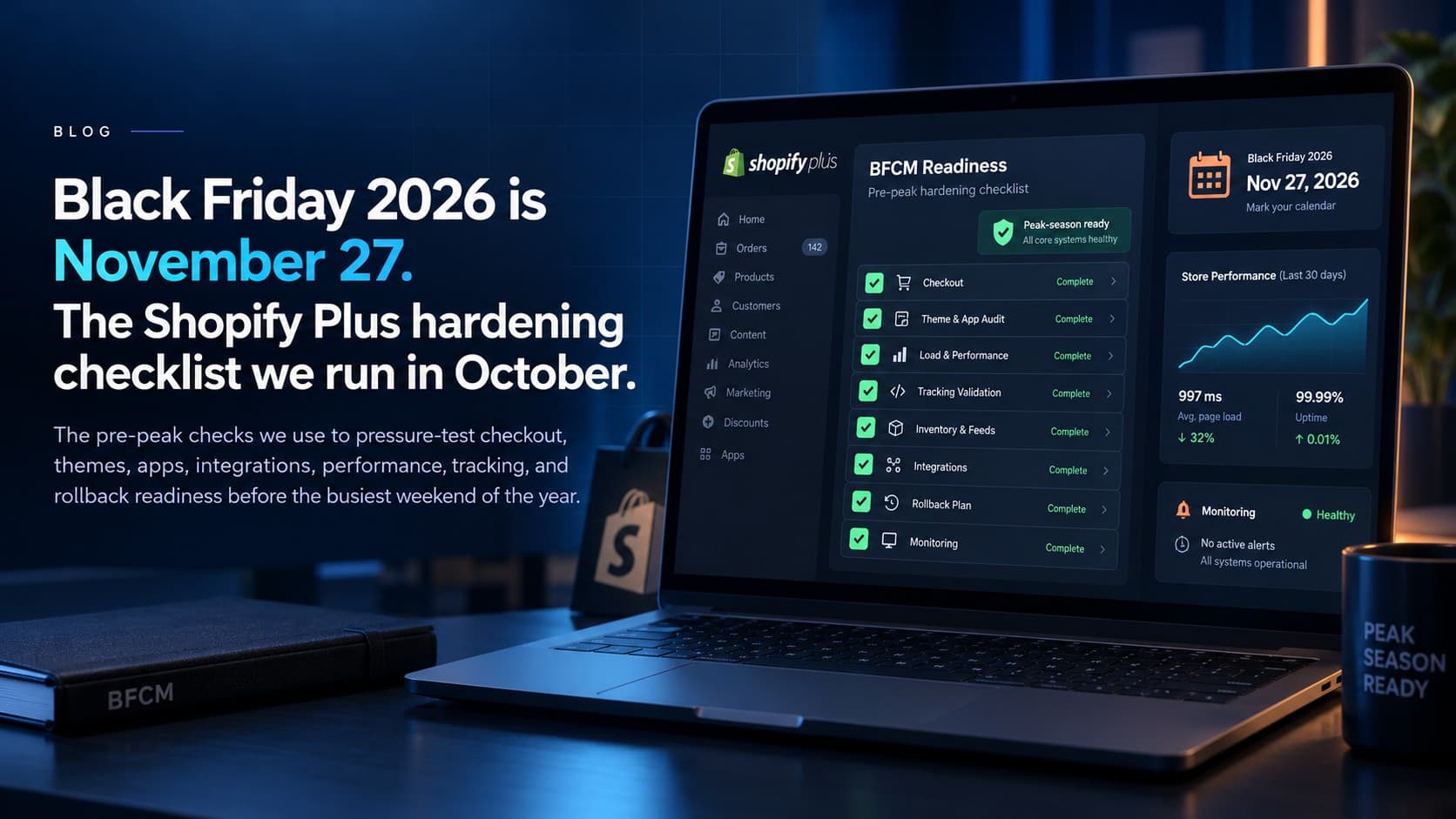
Black Friday falls on November 27 this year and Cyber Monday on November 30. Seven weeks out is when hardening work is still cheap; three weeks out it's triage. This is the checklist we run with Shopify Plus clients in October — not a generic “optimize your images” list, but the things that actually caused trouble in past peak seasons, with this year's specific traps marked.
For scale: Shopify merchants sold US$14.6 billion over BFCM 2025, up 27% on the year before, and sales peaked at US$5.1 million a minute at 12:01 p.m. Eastern on Black Friday. Shopify's own platform absorbs that. What fails on a busy day is almost always the layer around it: apps, integrations, discounts, inventory feeds and the people on call. That is what this list covers.
Set the freeze first
Pick the date after which nothing changes on the theme, the apps or the integrations except an emergency fix, and write it down where the marketing team can see it. Ours is usually the second week of November. Everything below has to land before it. A freeze also means deciding now who can break it, and how a change gets rolled back if it does.
Theme and apps
- Measure the product page and collection page on a phone, on a slow connection, with the real app stack running. Fix the two slowest things; don't chase a score.
- Audit every app. Remove the ones nobody can name a reason for. This year specifically: any app still relying on script tags will stop working on March 1, 2027, and can't be updated after October 1 — if the vendor hasn't migrated, replace it now rather than in February.
- Duplicate the theme, apply the changes there, test with real orders, then publish. Keep the previous theme untouched as the rollback.
- Check the pieces people forget: the 404 page, the search-results-empty state, the gift card page, and the order status page — all of which get more traffic in one week than the rest of the quarter.
- Ask the vendors of your three most critical apps (reviews, upsells, subscriptions, search) what they do at peak load and who you call when it breaks. Shopify scales; a third-party server answering every product page doesn't automatically.
Checkout and discounts
- Shopify Scripts ended on June 30. If any Black Friday mechanic still lives in your head as “the script does that”, it doesn't. Build the tiered discount, the gift-with-purchase and the shipping rule as Functions, and test the combinations customers will actually stack, not the ones you designed.
- Business rules in checkout — quantity caps, address restrictions — belong in validation Functions now that the old extension hook is deprecated. That also makes them hold in Shop Pay, express wallets and agent-driven checkouts.
- Confirm every payment method you expect to offer actually appears in checkout, per market, on a real device. Then confirm the one you don't want (a stale gateway, a BNPL you turned off) doesn't.
- Run one full test order per market with a real card and refund it. It's the only test that exercises taxes, duties, shipping and the payment gateway at once.
- If you schedule the sale with Launchpad, open every event and check it still does what it did last year. A step that used to switch on a Script now has nothing to switch on; the discount has to exist as a Function before the event runs.
- Turn on bot protection for limited-stock drops. On Plus it lives under Settings > Bot protection (hCaptcha or reCAPTCHA, Online Store channel only, up to 500 products or the whole store); if you don't see it, Plus Support can switch it on. Shopify also blocks most card-testing attacks on its own, but a sudden wave of tiny failed payments on a sale day is still worth a call to support before your processor notices.
Sale prices you can defend
Regulators watch Black Friday “was” prices more closely every year, and it's the part of the sale most merchants never check. The rule is the same in spirit everywhere: the price you crossed out has to be one you genuinely charged.
- United States. The FTC's Guides Against Deceptive Pricing say a former price must be one the product was openly offered at, in good faith, for a reasonably substantial period. Raising a price in October so the November discount looks bigger is the textbook example of what not to do.
- Canada. The Competition Bureau warned businesses again before last Black Friday. A regular price has to pass one of two tests: more than half of sales at that price or higher within a reasonable period (usually a year), or offered in good faith at that price for a substantial period (usually a year).
- European Union. Any announced price reduction must be measured against the lowest price you charged in the 30 days before it, including earlier promotions. A “Black Friday week” that follows an early-November sale can't use the pre-sale price as its reference.
- In practice: review compare-at prices now, before the freeze, and keep an export of your price history. If a product's “regular” price only existed for two weeks, show the discount as a plain sale price instead.
Inventory truth
- Decide the one stock number Shopify trusts. If an ERP or WMS pushes inventory, know how often, and what happens in the five minutes between a flash sale starting and the next sync.
- This year's trap: on August 5 Shopify moved inventory held by draft orders and transfers from “reserved” to “committed”. Any report or integration that read “reserved” now shows less held stock than reality. Reconcile before you set safety margins.
- Test the oversell scenario deliberately: put two orders through on the last unit and watch what each system does. Better in October than on the Friday.
- Set what happens when stock hits zero — hide, show as sold out, or allow backorders — per product type, not globally.
Shipping and delivery promises
- Market-driven shipping starts rolling out on October 1. If your store moves onto it before the freeze, re-verify rates in every market you sell to, because any tool that managed shipping through the old profile API may be writing to a snapshot nobody reads.
- Publish carrier cut-off dates for delivery before December 25 by destination, and make the checkout say so. USPS has published its 2026 dates: December 17 for Ground Advantage, December 18 for Priority Mail and December 19 for Priority Mail Express within the contiguous US, and December 9 for international parcels, Canada included. FedEx has published its dates too; UPS hadn't yet in early October. Put your own cut-off a day or two before the carrier's, to leave room for picking and packing at peak volume.
- Selling in Canada: Canada Post's last two peak seasons were disrupted, with a national stoppage from November 15 to December 17, 2024 and strikes again in fall 2025. The dispute is settled and weekend parcel delivery is coming to Ottawa, Montréal and Toronto this fall, but keep a second carrier configured and tested so a disruption is a settings change, not a crisis.
- If you sell into the EU, check that the duties shown at checkout match what the carrier will collect under this summer's flat-duty changes.
AI shopping channels
This is the first Black Friday where AI assistants can sell your products. Shopify's agentic storefronts are on by default for eligible stores and send your catalog to ChatGPT, Google AI Mode and Gemini, Microsoft Copilot and Meta. Google, Copilot and Meta can complete the purchase inside their own app; ChatGPT hands the shopper to your store's checkout.
- Your sale prices, compare-at prices and stock levels flow to those channels from the same catalog. If a product's data is wrong on your store, it is wrong in front of every assistant at the same moment.
- Look at Sales channels > Agentic before the freeze and decide what belongs there. Doorbusters with ten units in stock may not.
- Orders completed inside an AI app never load your storefront, so they never appear in browser analytics or pixel-based ad reporting. Count them in Shopify's order reports by channel, or your Black Friday numbers will look lower than they were.
More on getting the catalog right in our post on AI-ready Shopify catalogs, and on the Meta channel in our Muse post.
Tracking and ads
- Purchase events: browser pixel plus server-side (Conversions API) for Google, Meta and — if you're testing it — ChatGPT ads, deduplicated by event ID. Prove a real purchase shows up once in each platform before spend increases.
- Consent: if you have EU or Quebec traffic, the consent banner must be working and Consent Mode must be sending the right defaults, or the numbers you'll judge Black Friday by will be wrong in ways you can't see.
- Freeze the tag setup with the theme. Marketing adding “just one pixel” on November 24 is how checkout breaks.
- Email: Black Friday is the biggest send of the year, and the mailbox providers are stricter than they were. If you send more than 5,000 messages a day, Gmail and Yahoo require SPF, DKIM and DMARC on your sending domain, one-click unsubscribe, and a spam-complaint rate under 0.3%. Microsoft Outlook requires the same authentication and rejects high-volume mail that fails it. Check the sending domain in October, and don't send the sale to a segment you haven't mailed since last November: complaints from that one send can hurt delivery for the rest of the season.
Support and operations
- Write the macros now for the ten questions you'll get: where's my order, can I change the address, can I apply the discount after the fact, when does the sale end. If an AI assistant triages support, define precisely what it may answer alone and what it must hand to a person.
- Address changes after purchase now trigger a tax recalculation on unfulfilled orders. Tell support, and tell whoever reconciles orders in accounting.
- Name who is on call, in which time zones, with which access, and how they'd roll back a theme, pause an app or disable a discount at 2 a.m.
- Returns start December 26. Confirm the exchange flow end to end.
- If Business Central is your ERP: the October release (version 29, out since October 2) handles exchanges on one credit memo or return order for the first time. More urgently, the connector shipped in April uses a Shopify API version that is only supported until December 31, 2026, in the middle of returns season. Upgrade and test it with real orders before your freeze, not after. Details in our Business Central connector post.
The week before
- Full test order per market, refunded.
- Theme rollback rehearsed once.
- Monitoring: uptime, checkout conversion and error rates on a dashboard someone actually watches.
- Discount codes and automatic discounts scheduled, with start and end times checked against the store's time zone, not yours.
- A short written plan for “the site is slow”, “the discount isn't applying” and “we oversold” — each with a first action and a name.
We run this checklist for Shopify Plus clients and as part of monthly website management. If your ads program needs the tracking work first, start with growth & ads. Related: the fall 2026 platform changes, Scripts to Functions, or book a free consultation — in October, please, not the week of.